

7 Perks Of Switching To A MacBook, According To Owners
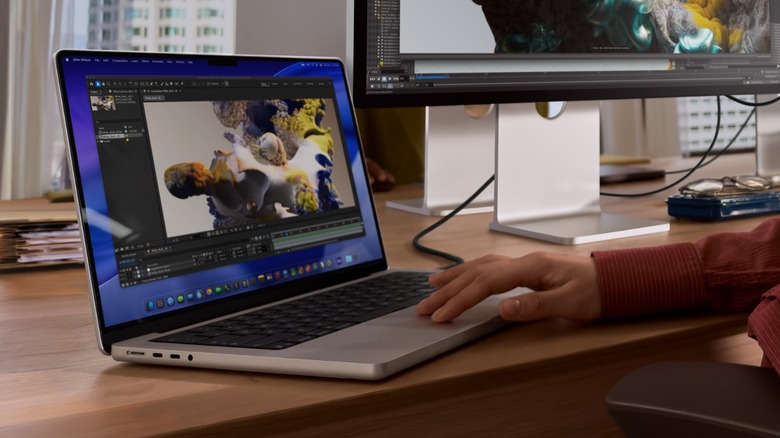
Many Apple fans rave about the experience of using a MacBook, and that tends to be especially true for those who migrated from a Windows device. While Windows versus macOS has been an age-old debate, with both operating systems offering their pros and cons, it's hard to deny that Apple's approach to building computers has changed personal computing. This has become especially true in recent years with the introduction of its own processors and the release of the MacBook Neo that brings a lower price point to the Apple ecosystem.
If you're thinking about trading in your Windows laptop for a MacBook but don't want to invest a good sum of money without doing your research, we've pulled together some of the perks that many MacBook owners said they got when they switched. I've experienced these things myself when I bought a MacBook Air after more than 30 years of just using Windows. These advantages are a combination of hardware performance, a smoother operating system, and excellent design, and we'll lay them out to help you determine if a MacBook is worth your hard-earned money.
Apple silicon
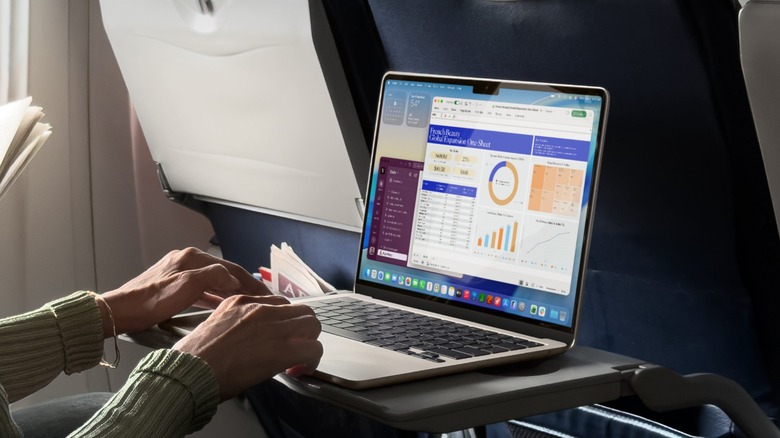
The biggest advantage that Apple has over the competition just may be its use of Apple silicon. MacBooks, which have used Intel processors for years, started to switch over to the Apple M1 in 2020, beginning with the MacBook Air and 13-inch MacBook Pro. These processors offered unprecedented performance and efficiency, allowing MacBooks to achieve battery life that Windows laptops could only dream of.
The latest Apple silicon iteration, the M5, launched in late 2025 on the MacBook Pro, with the only real drawback being that it's merely an incremental upgrade to the M4 chip. Nevertheless, it still retains excellent efficiency and performance that Intel chips struggle to match. In fact, the base M5 chip can match the performance of the top-end M1 Ultra from five years ago, meaning you're getting a lot of value from a base-tier processor.
While Intel, AMD, and even Qualcomm have introduced new processors designed to challenge Apple's dominance, Tom's Hardware benchmarks show that the M5 MacBook Pro still leads the pack when it comes to both single-core and multi-core performance. If you demand even more performance, no other processor has come close to the M5 Max-powered 14-inch MacBook Pro, which received a 70% higher score than the best competitor in multi-core tests. A MacBook also achieved one of the best results when it comes to battery endurance, with the 13-inch M5 MacBook Air lasting 15 hours and 28 minutes on a single charge. Only the 2026 Lenovo Yoga Slim 7i Aura Edition topped that mark, reaching 16 hours and 38 minutes.
Premium build quality

MacBooks stand out from Windows laptops before you even fire up the machine, thanks to the care and attention to detail that Apple brings to these devices, no matter their price point. It doesn't matter if you have a $699 MacBook Neo ($599 if you get the student discount) or an M5 Max MacBook Pro (2026) that you can spec to more than $10,000 — both laptops will feel solid with their aluminum unibody case, glass trackpad, and excellent keyboard. Many Mac users on Reddit have reported that their MacBooks lasted for many years, with one person even noting that they've yet to see one that did not last eight to ten years. I'm starting to experience this longevity myself, with my first MacBook from 2023 (which my wife now uses) still looking good as new and performing like a champ.
By comparison, a solidly built Windows laptop often costs $1,000 or more. If you're on a budget, you usually have to settle for a device made from plastic, meaning it has limited rigidity and can flex when you twist it or type on it. The MacBook Neo, meanwhile, which caught many industry leaders by surprise, has actually pushed the PC market towards producing models that offered a similar aesthetic at a relatively affordable price point. This resulted in the launch of Intel's Project Firefly, which aimed to produce laptops that could compete with the Neo in both price and aesthetics, like the Dell XPS 13.
Less buggy software
Whether you're a new Windows user or have been using the OS for several decades, you've probably encountered more than a handful of bugs in your lifetime. While macOS isn't immune to software issues, many users agree that it's generally more stable than Windows. For example, between July 2025 and July 2026, Microsoft released two emergency Windows 11 patches to fix updates that broke computers far and wide. And that doesn't even include numerous other issues, which could sometimes even tank the performance of high-end PCs, that are often addressed through regular updates or rollbacks.
Apple has an advantage over Microsoft in this metric, though, because of the limited number of hardware configurations that macOS runs on. That means that it can more thoroughly test its software before releasing it into the wild, ensuring that users will mostly avoid unpleasant surprises. On the other hand, Windows 11 runs on hundreds, if not thousands, of different laptop (and desktop) models. That means the operating system will face a potentially infinite number of configurations, making it next to impossible for Microsoft to take every specification into consideration when conducting its testing.
A seamless experience
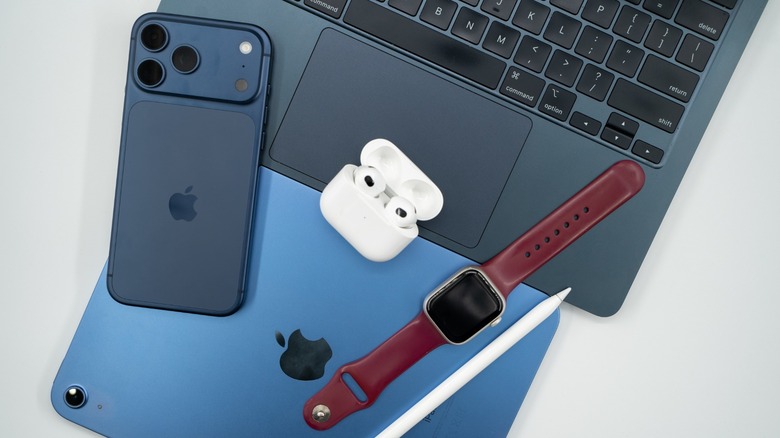
One of the perks that users loved when they switched to a MacBook is the "It just works" philosophy that the company has adopted for its ecosystem. You might also add to that, "it always works the same." So, if you're an iPhone user or own an iPad, switching between your laptop and mobile devices is a breeze. That even holds true with Apple-branded accessories, like the AirPods, which could seamlessly pair across multiple Apple devices.
For example, if I connect my iPhone to a Wi-Fi network and then boot up my MacBook, I will find my laptop already connected to the network. If I can't connect to a nearby Wi-Fi network, my MacBook will then ask me if I want to use my iPhone as a hotspot, making everything feel seamless. When I'm spending an extended period working away from my normal desk, I can also easily use my 13-inch iPad Air as a secondary display through Sidecar — no wires or third-party apps necessary. And if you set up iCloud, your files and photos will automatically sync across your devices, making it easier to access and back up your digital life across the Apple gadgets that you own. MacBooks also come with a built-in office suite, so you can start working on your laptop straight out of the box.
It is possible to achieve the same synchronization across Android, Windows, and Apple, but it's not as straightforward. For one, you need third-party apps to allow your photos and files to synchronize between these devices, and you must be comfortable setting them up. Even then, you still won't get the same level of seamlessness that iOS, iPadOS, and macOS offer in working with each other.
Intuitive OS

Even though the two systems are quite different, it's not that hard to learn macOS if you're coming from a Windows environment. Users on Reddit say that macOS is more user-friendly, with the latest version of the operating system, Golden Gate, set to unleash new features that will even further improve the user experience. While some might prefer the customization they can achieve with Windows, most people just want a computer that works, and many owners say that the MacBook does exactly that.
I experienced this when I bought my first MacBook — it took me no time to become confident using macOS for my day-to-day tasks. My only issue is that whenever I switch between Windows and macOS, I often mix up the placement of the Ctrl and Command buttons in the first few minutes. There were a few confusing things with macOS at first, like taking a screenshot, but it was nothing that a quick Google search couldn't resolve.
Users who switched from Windows also don't necessarily have to live with some macOS quirks or miss out on some of their favorite features. There are many different apps available online that will help give you the best of both macOS and Windows on your MacBook. If you're still apprehensive about switching operating systems, you can also reference Apple's Switch to Mac guides before buying a MacBook.
Fewer malware issues

Some users say that Apple offers better security compared to Windows, especially with macOS's robust features. That's debatable, though, since at least part of the reason Windows has more malware is that it has a much larger user base. That generally makes it an easier target for cyberattacks and malware. That said, macOS isn't immune to attacks, and its increasing popularity could mean that bad actors will start to target its users more often. In fact, cyber industry experts have started to report that the number of threats on macOS is rising faster than ever.
Even so, Apple's closed ecosystem approach makes it inherently a tougher target than Windows, giving MacBook owners at least some peace of mind. Aside from that, Apple provides several features to improve your digital security. This includes automatic software and security updates, app protections through the Mac App Store, iCloud Keychain, the macOS Firewall, Find My & Activation Lock, and Apple's own XProtect antivirus. Still, this doesn't mean that macOS users won't become victims of malware, so it's always wise to observe good online habits, like avoiding dangerous password practices.
Clearly defined device lineup
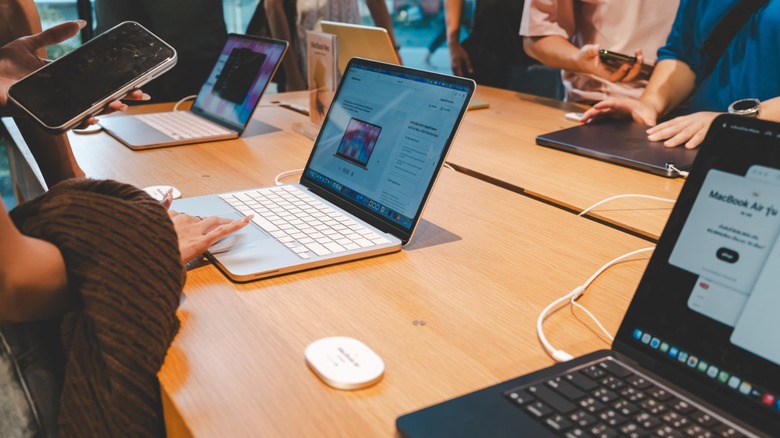
While tech enthusiasts typically know the specifications they want when choosing a laptop, that's not always the case for the average buyer. As a consequence, the nearly unlimited number of Windows laptops available on the market often makes it harder for a non-techie person to choose the right model for them.
For example, a typical PC user might not be able to tell the difference between an Intel Core 7 250U and an Intel Core 5 220H. It might seem to make sense to pick the former simply because it's a higher number, but the latter would actually deliver better performance in most cases because the Intel Core 7 250U is designed for low-power use.
On the other hand, Apple's lineup has a clear stratification for each model line — the MacBook Neo, for example, is made for students and users who only need a computer for basic tasks like checking emails, streaming movies, and typing up a document, while the MacBook Air is created for most productivity use cases and general office work. Finally, if you're a professional and require a powerful laptop for specific tasks like programming, video editing, or multitasking across several different apps, then the MacBook Pro is the most fitting model for you. Because of this, when a friend asks for advice on what laptop they should buy, and they're not a gamer, I often steer them towards a MacBook.